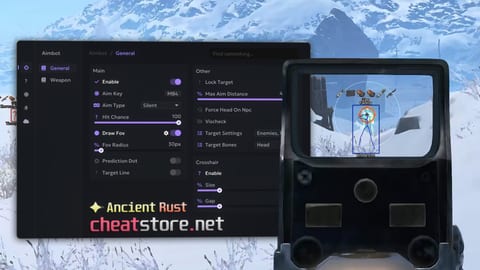
Ancient
November 9, 2026 · Kvix
Ancient WARDOGS does not use this setup. WARDOGS works with the Discord overlay only. Follow the Discord overlay instructions.
1. Install What You Need
First, install these two programs:
2. Get Your PC Ready
- First, restart your computer.
- Close all games and launchers. A launcher is an app that starts games, like Steam.
- Turn off any antivirus or anti-cheat software:
- For Windows Defender, use Defender Control (ZIP password:
sordum). - Uninstall Faceit and Vanguard if you have them. Turn off any other anti-cheat.
- For Windows Defender, use Defender Control (ZIP password:
FOR NVIDIA:
- Download Nvidia App : Nvidia App Download
- To use the Nvidia App overlay, open the settings. Go to General. Turn on IN-GAME OVERLAY.
FOR AMD:
- Download SteelSeries GG : SteelSeries GG
- To make the SteelSeries Sonar overlay work, open the SteelSeries settings tab.
- Go to Settings -> "Moments" -> "Capture and Sound". Turn off "Allow Moments to capture while gaming".
- Go to "Overlay and Notifications". Turn off "Display game overlays".
- Turn on Sonar in General Settings.
- Go to the shortcuts tab. Put the "F7" key on Master - Volume Up.
- Press this key before you inject. Inject means the loader loads the cheat.
3. Download the Loader
- Open your purchase email to get the loader.
- Download Loader.exe.
- If needed, extract (unzip) it to any folder you like.
4. Log In and Get Ready
- Run Loader.exe as Administrator.
- Enter the key you got when you bought.
- Wait while it loads and checks your key.
- After the inject, the loader closes by itself. This means you can start the game.
- The menu key is the "Insert" button.
EFT only: Press F1 after starting the game to activate the menu. After that, use Insert to open or close it.
Need help? First, look in our Wiki. If you get stuck or have a problem, contact support at https://cheatstore.net/discord
Read our guides: How to avoid bans in Escape from Tarkov and How to avoid bans in PUBG.